
Installing Tailscale on the Ableton Move
The Ableton Move is a great little music-making device, both because it is genuinely good at what it does, and because it runs a fairly open build of Linux!
Out of pure curiousity, I decided to try getting Tailscale running on it while poking around the new updates to Ableton Link. Without getting into the details of why I’m doing this, I figured I’d take a moment to document this process for future explorers.
SSH
Before we do anything, you need to make sure you’ve configured SSH acces on your Move.
This can be done via the Move’s developer settings.
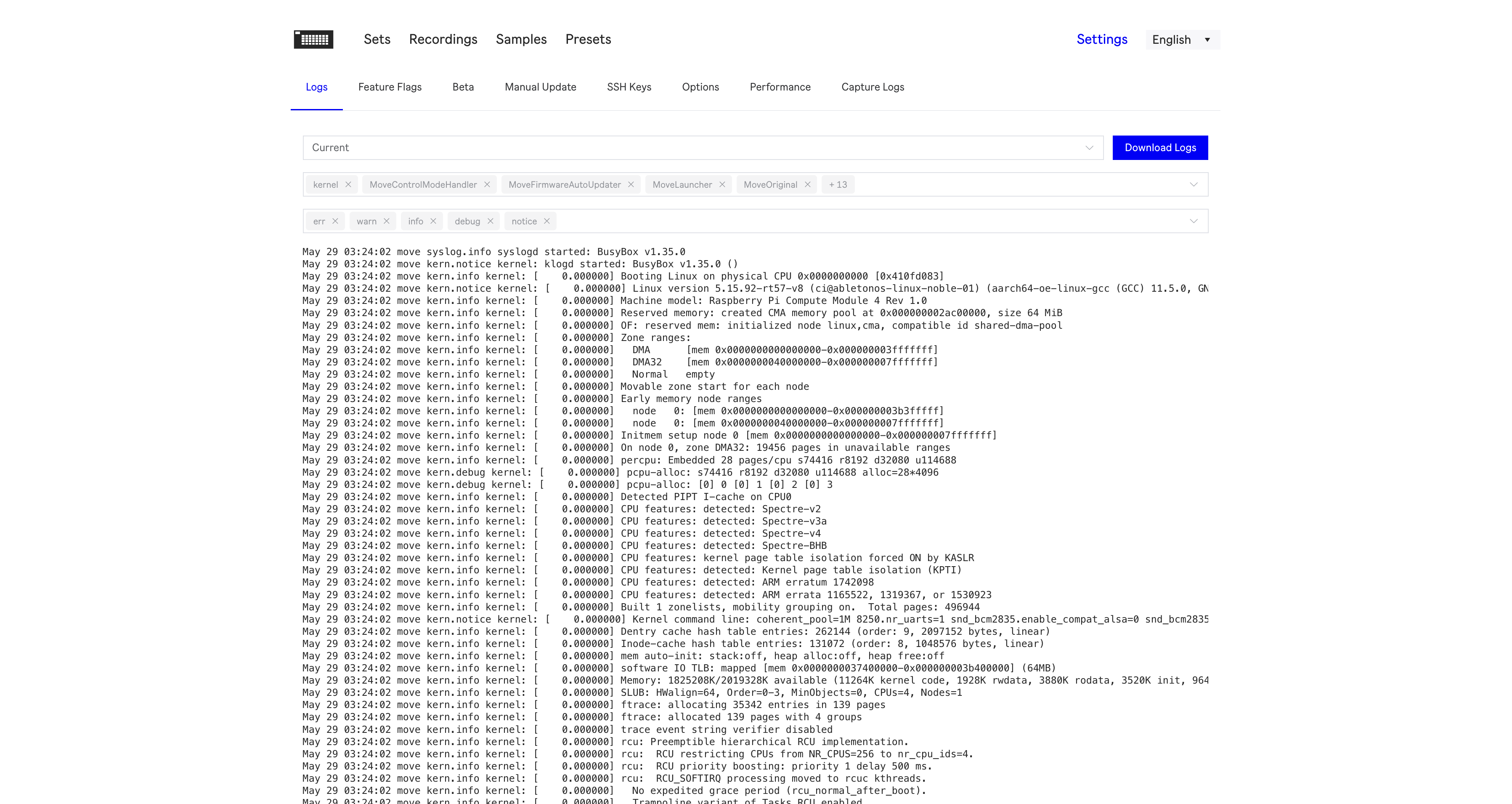
Simply add your machine’s SSH key to the SSH tab, and then log in as root.
Tailscale
Tailscale’s installer does not (as of now) support the Move.
To deal with this, head to Tailscale’s packaging site and grab the latest arm64 build.
This must be downloaded to, and extracted in /data, as other partitions lack the required capacity.
cd /data
wget --no-check-certificate https://pkgs.tailscale.com/stable/tailscale_1.98.4_arm64.tgz -O ./tailscale.tgz
tar -zxvf ./tailscale.tgz
mv /data/tailscale_*_arm64 /data/tailscale
Then, add a new init script to /etc/init.d/tailscaled (modified source):
#!/bin/sh
### BEGIN INIT INFO
# Provides:          tailscaled
# Required-Start:    $local_fs $network $syslog
# Required-Stop:     $local_fs $network $syslog
# Default-Start:     2 3 4 5
# Default-Stop:      0 1 6
# Short-Description: tailscaled daemon
# Description:       tailscaled daemon
### END INIT INFO

DAEMON=/data/tailscale/tailscaled
PIDFILE=/var/run/tailscaled.pid
OPTS="--state /data/tailscaled.state --tun userspace-networking"

test -x $DAEMON || exit 0

case "$1" in
  start)
    echo "Starting Tailscaled"
    start-stop-daemon --start --background --pidfile $PIDFILE --make-pidfile --startas $DAEMON -- $OPTS
    ;;
  stop)
    echo "Stopping Tailscaled"
    start-stop-daemon --stop --pidfile $PIDFILE --retry 10 -- $OPTS
    ;;
  *)
    echo "Usage: /etc/init.d/tailscaled {start|stop}"
    exit 1
    ;;
esac
exit 0
The service can be installed with:
chmod +x /etc/init.d/tailscaled
update-rc.d tailscaled defaults
/etc/init.d/tailscaled start
And finally, connect with:
/data/tailscale/tailscale up